
Online Registration
Registering is Easy.
You can do it all from your laptop.
You'll reserve your seat in the exam session using the online system at HamStudy.org. They'll ask for your FCC Registration Number (FRN). We'll walk you through the steps to get an FRN in a video below. We'll also show you the steps to register with HamStudy.
Registration for applicants under 13 years old: click for details
We love getting younger children into the hobby and we carefully follow the The Child Online Privacy Protection Act (COPPA). It requires parents or guardians to complete a COPPA form. You'll do that as part of the registration process at HamStudy. Please email the completed form to examtools and reach out to us. We'll also need a copy of the form and we want to make a note that we have a younger applicant coming.
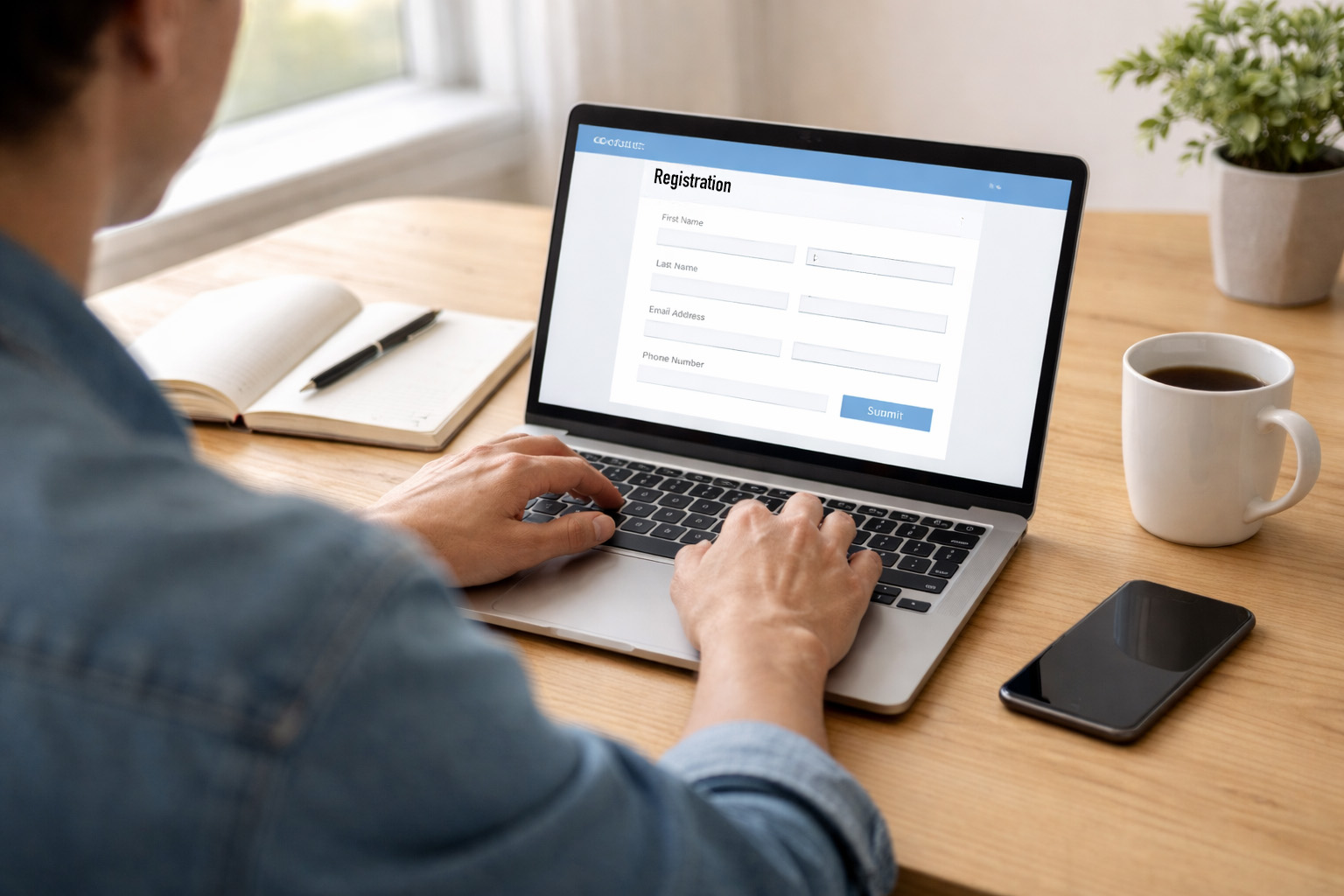
How to Register
-
Getting your FCC Registration Number (FRN)
To get an FRN you need an account in the FCC Commission Registration System (CORES). One you've got an account, you can create your FRN. The video below walks you through all the steps you'll need to follow. You can also read about registering with the FCC and creating an FRN.
Click here to be taken to the FCC site to start the process.
If you already have an FCC Account and FRN you can skip right to the next step. If you're upgrading your license, you already have an FRN. If you have a GMRS license, you already have an FRN. You'll need it to register, so look it up by logging into your FCC account.
-
Reserve your seat
OK, now that you've got the governmental steps out of the way, you can reserve your seat at the exam session. We've got a list of upcoming sessions on our main page. Just click the session you'd like to join. You'll be walked, step by step, through the registration process as shown in this video:
NOTE: When you enter your name and address, please be sure to use the same information you used when you created your FRN. If you don't, it will delay your license and you'll have to perform additional steps.