The Exam Process

What to expect on exam day.

We'll make your exam session as smooth as possible so you can focus on passing! The process is basically:

  • Check-in
  • Receive exam instructions
  • Take your exam
  • Finalize your application

That's it in a nutshell, but please scan through the details below; especially the "What to bring" section. Of course our volunteers will be there to handle any hiccups that might occur during the session. We've got you covered.

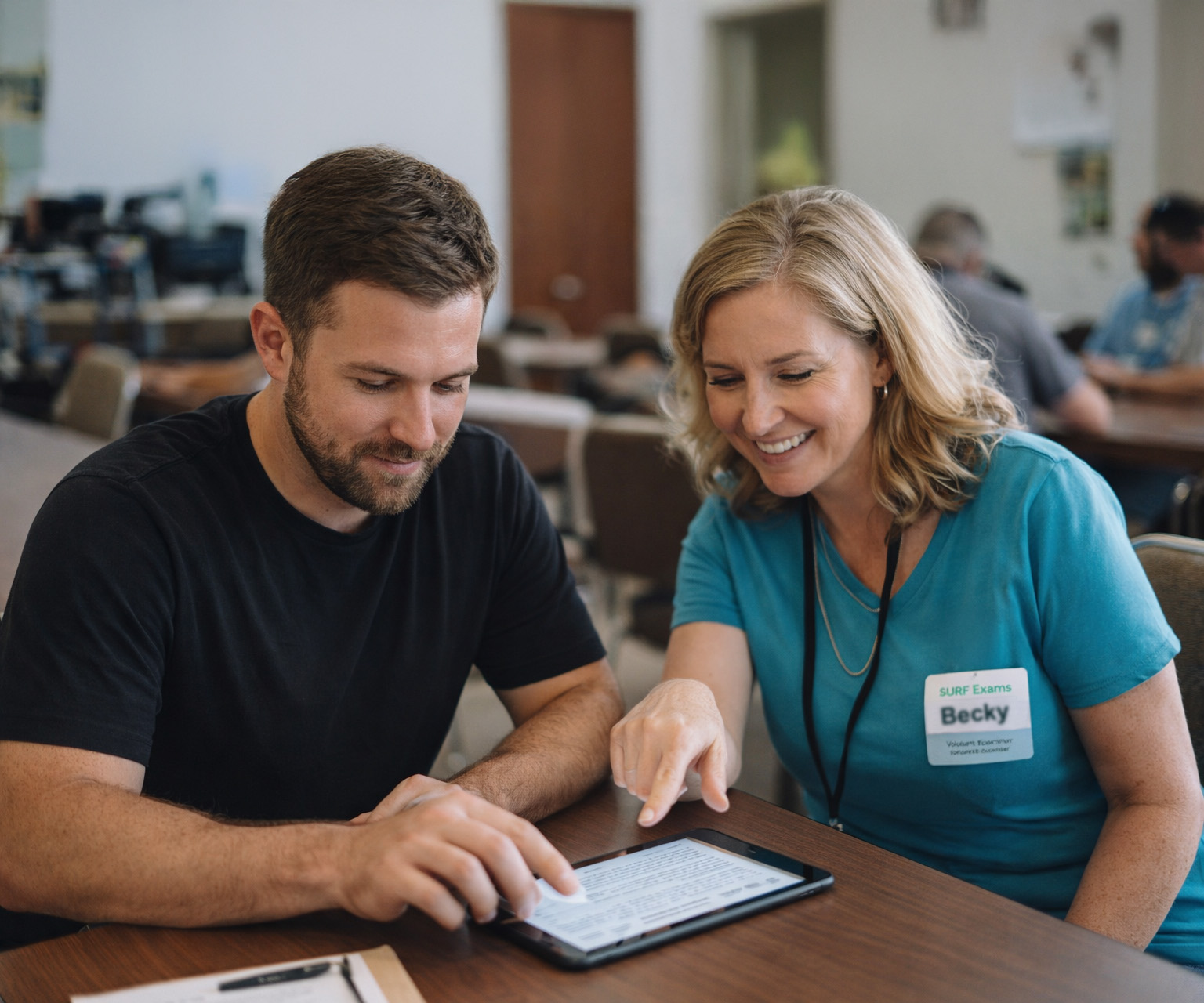
A tablet showing an exam in progress

What to bring

  • Photo ID. You'll need one of these:
    • State Driver’s License
    • State Photo ID card
    • Government issued Passport
    • Military or Law Enforcement Officer Photo ID card
    • Student School Photo ID card
    If you don't have any of those, please reach out to us and we'll find other options.
  • Pen or Pencil. Only if you want to use scratch paper. The exam will be taken on a tablet that we'll provide during the session.
  • Your exam fee. Please bring the exact amount of cash for your exam fee ($15 for adults, $5 for youth). We may not have change.

Session Flow

  1. Check in

    When you arrive we'll get you checked in:

    1. We'll look at your ID to confirm your identity
    2. We'll handle your payment
    3. We'll provide you with a tablet for your exam
    4. We'll give you a post-it note with an ID number (PIN) you'll use later
  2. Receive exam instructions

    Once everyone is seated, we'll give some instructions about the process. Your tablet will be configured to show you the exam session. Basically, you will:

    1. Enter the PIN on your post it note and tap JOIN SESSION
    2. In a moment your screen will change and it will show the information you gave us when you registered, including your address and email address. It's very important that you check this information and alert us if there is an error.
    3. If it all looks good, you can tap the START TECHNICIAN EXAM button (or GENERAL or AMATEUR EXTRA if you are upgrading).
    4. Your team will create a random exam for you and it will appear on the screen. You're ready to go!
  3. Take your exam

    Now that all of that is out of the way, you will take your exam.

    1. All of the questions will be presented on one long page.
    2. You'll just tap the answer you want to select and scroll to the next question.
    3. You can review and change your answers, and once you are happy with all of your answers, you will tap the GRADE EXAM button.
    4. One of our VEs will grade your exam and the results will appear on your screen.
  4. Finalize your application

    Congratulations, you passed your exam. If you signed up for multiple elements (e.g. you passed the Technician exam and also signed up for General), you'll see a button to start that exam. Once you do, a new exam will appear on your display and you can proceed as before.

    If you're done for the day, we've got a little more "paper" work to complete on your tablet.

    1. Tap the button that says FINISH AND SIGN FORMS. You'll be asked to confirm that, so tap FINISH AND SIGN FORMS again.
    2. Your registration information will appear on the screen again. Please validate that it is correct. If it is not contact a VE.
    3. Tap REVIEW QUICK-FORM 605. That's the actual application that we'll send electronically to the ARRL and they'll send to the FCC. We'll ask you to review your name and address in that document and let us know if there is an error. We'll also ask you to carefully review the "certifications" at the bottom of the form since you will be signing your name to them in a moment.
    4. You'll then tap on REVIEW CSCE to double-check your name and address on your Certificate of Successful Completion.
    5. Next you will review more bullet points related to your digital signature and then type your full name and sign your name using your finger.
    6. You'll then tap SIGN DOCUMENTS and then FINISH SESSION and finally LOG OUT.

    AWESOME, you did it. Just hand your tablet back in where you picked it up and you're done.

Exam Fee

Adults: $15
Under 18: $5

Please bring the exact fee in cash with you to the exam session.

Retake Fee

Fee: Same as the original exam ($15, $5 for youth)

If you need to take the exam, the ARRL treats it as a new exam requiring an additional payment.

Stay Afterward

Please stick around for a few minutes after the exam to meet other hams, ask questions about radios, and learn about local repeaters and nets.